Nobl9 application (1.209.0)

Release details
new Delete system annotations during Replay
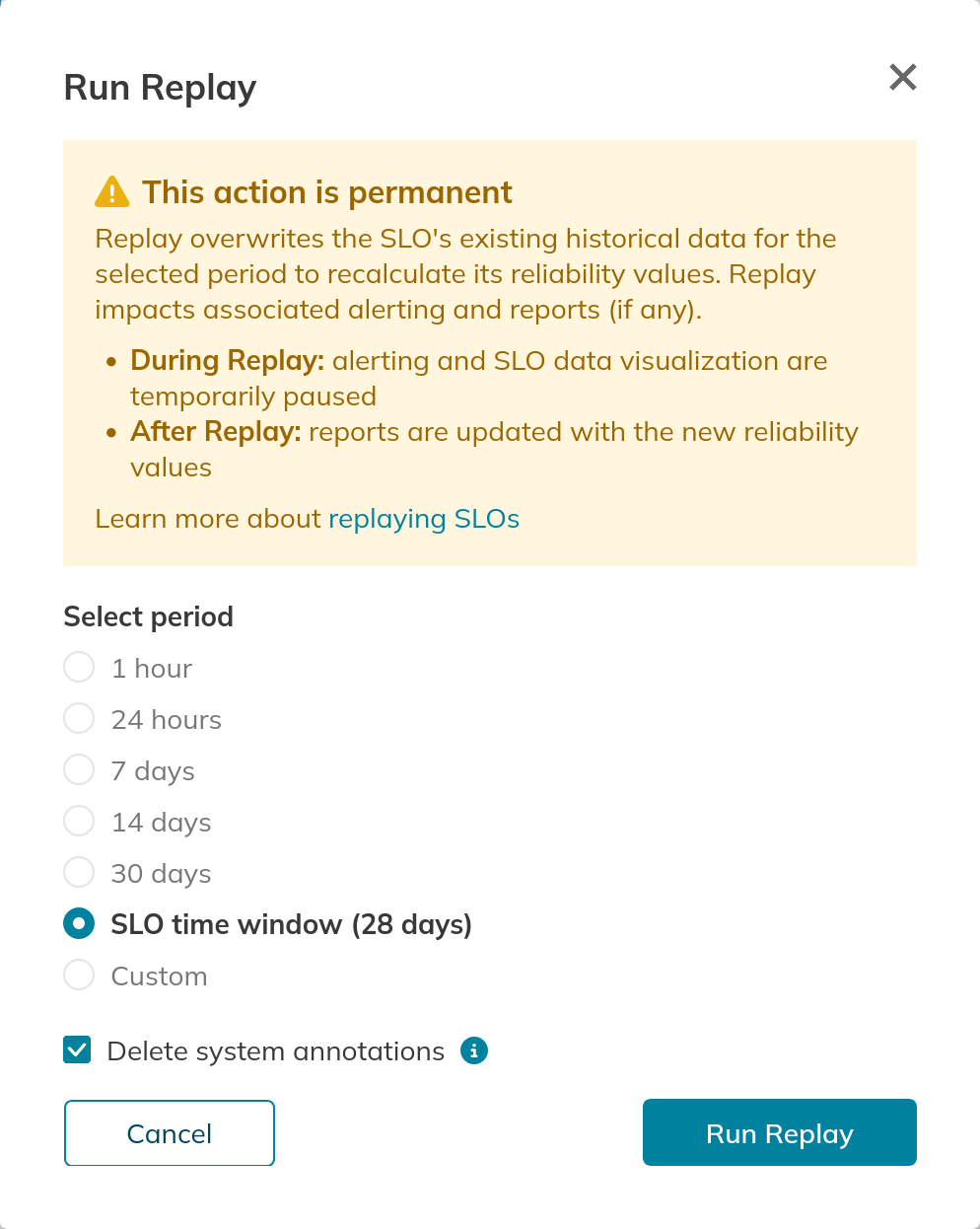
Replay can now remove anomaly and alert annotations associated with the data it replaces, helping you keep the SLO's annotations relevant to the replayed data. Annotations for ongoing anomalies and active alerts are retained.
To use this feature, select Delete system annotations in the Run Replay dialog. The selected annotations are deleted when Replay completes. This option is disabled by default and is available for non-composite SLOs to users with permission to delete system annotations in the project. Learn more about deleting system annotations during Replay.
improved Nobl9 Assist improvements
Nobl9 Assist now offers improved SLO searches, collection troubleshooting, and more precise responses:
- Endpoint searches. Assist finds SLOs associated with an endpoint, including references in metric queries, and distinguishes exact matches from similar matches. If a plural endpoint name returns no results, Assist also searches for the singular form. When a request specifies an HTTP method, Assist clarifies that results match the endpoint path regardless of the method.
- Collection troubleshooting. Assist can retrieve collection logs for Direct data sources to help investigate collection failures. The new
queryDirectLogsMCP tool also makes these logs available to connected MCP clients. Learn more about querying logs with AI tools. - Object counts. When reporting the number of projects, services, annotations, or other objects, Assist uses the total count returned with the data, even when only part of the result list is displayed.
- SLO prioritization. In response to questions about SLOs that are consuming their error budget, Assist lists those with the least remaining budget first.
- Evidence and hypotheses. Assist checks summaries against the retrieved data, associates events only when the data links them to the same object, and identifies unconfirmed causes as hypotheses.
improved Replay events in Change History
You can now view all Replay events together in an SLO's Change History by selecting All Replay events in the event filter.
Pagination now preserves the selected page when filters are active in SLO, project, service, and API key Change History. Previously, navigating to another page returned you to the first page.
fixed Historical target values in the Prometheus API
Fixed an issue that caused historical target values to be missing from the Prometheus API for SLO time series for SLOs that were deleted or recreated with the same name in the same project.