Component map Admin access
Reading time: 0 minute(s) (0 words)
Under the Component map tab, Organization admins can create and modify the component hierarchy to mirror the organization's structure. Nest components to map the organizational dependencies and link SLOs to components for prompt disruption reporting.
Building the structure
To build your organization's component structure, follow these steps:
- Click + Add component.
- Specify your component's Name (mandatory) and Description (optional). You can also add labels to your component.
Labels you create for the components on your organization's status page are stored and managed separately from labels you use with your Nobl9 resources. - Click

 in a component's row and choose:
- Add component to add a deeper nesting level
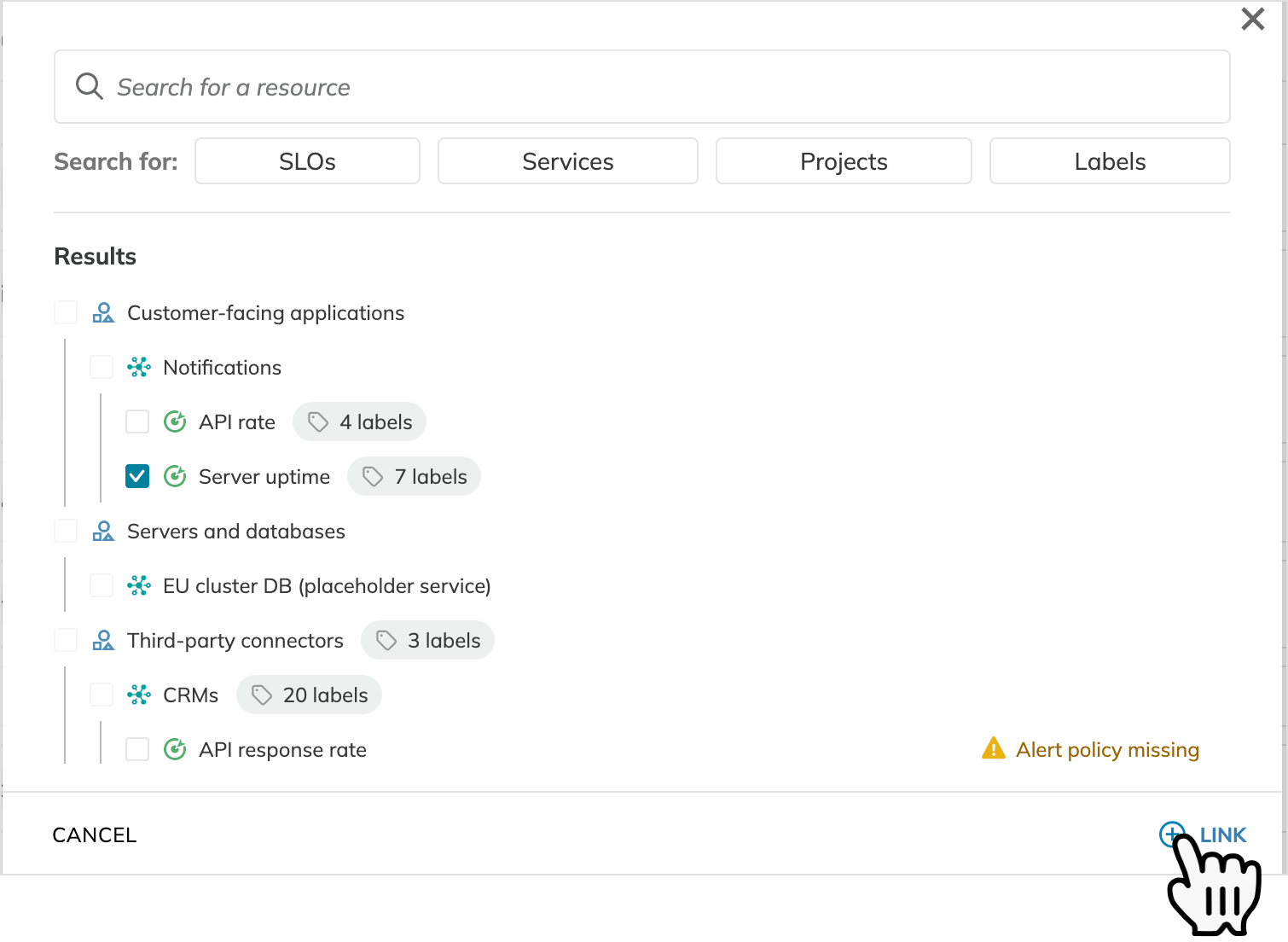
- Link SLO to attach SLO to this component
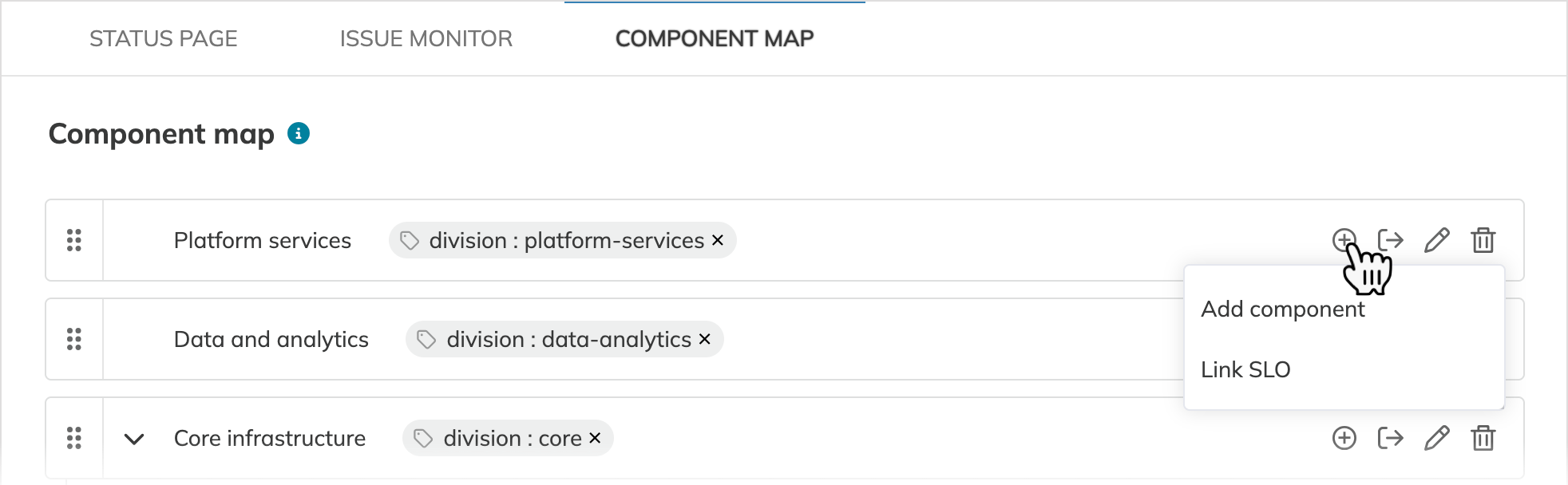
Add a component or link an SLO
For proper disruption tracking, make sure the SLOs you link have alert policies. If an SLO lacks an alert policy:
- It is marked Alert policy missing and will not send alerts to the status page.
- The component will display the No signal badge when no disruptions are impacting it.
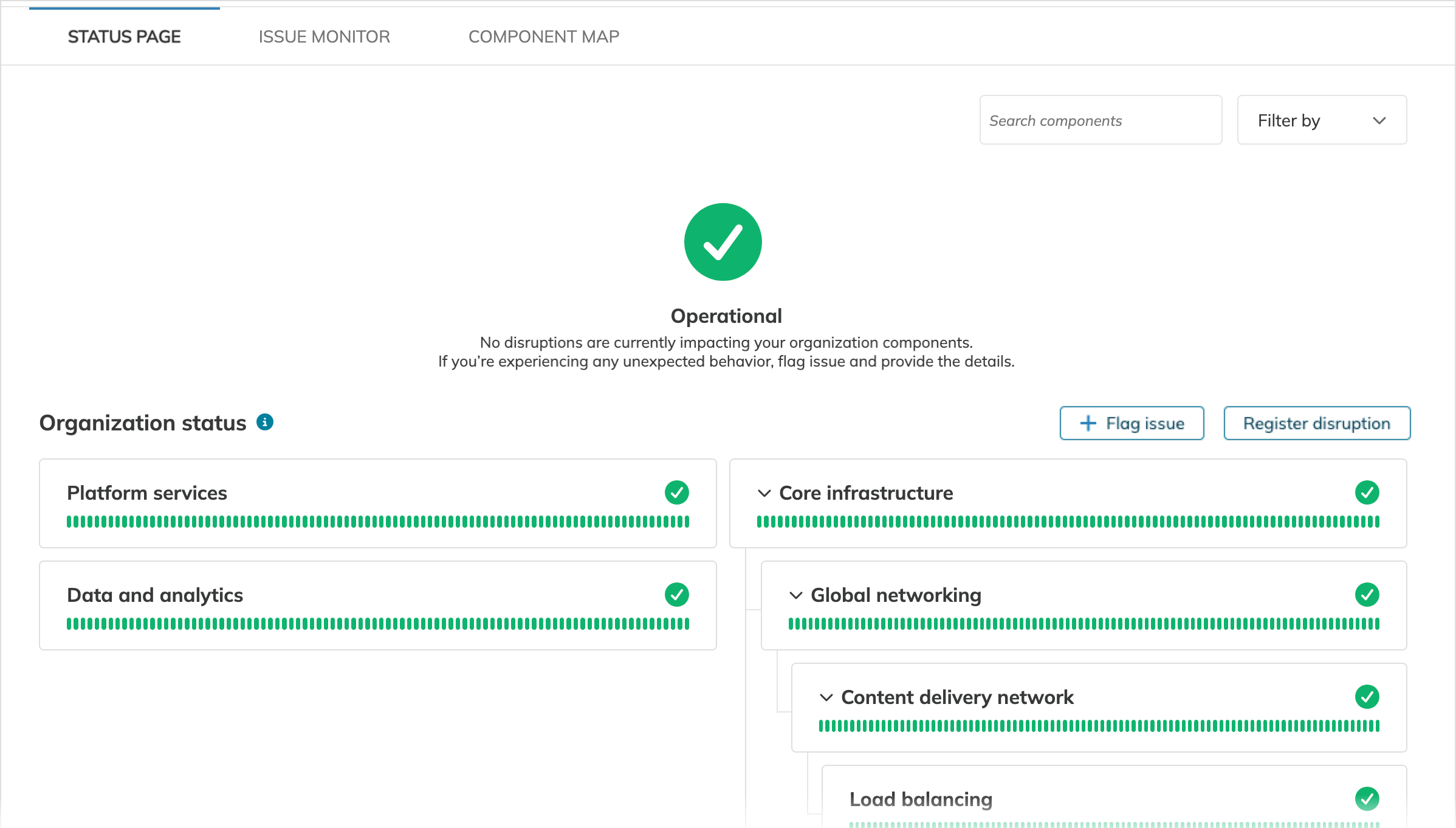
The component structure you've built appears under the Status page tab.
Component management
To adjust the hierarchy and modify components, use component management options under Component map.
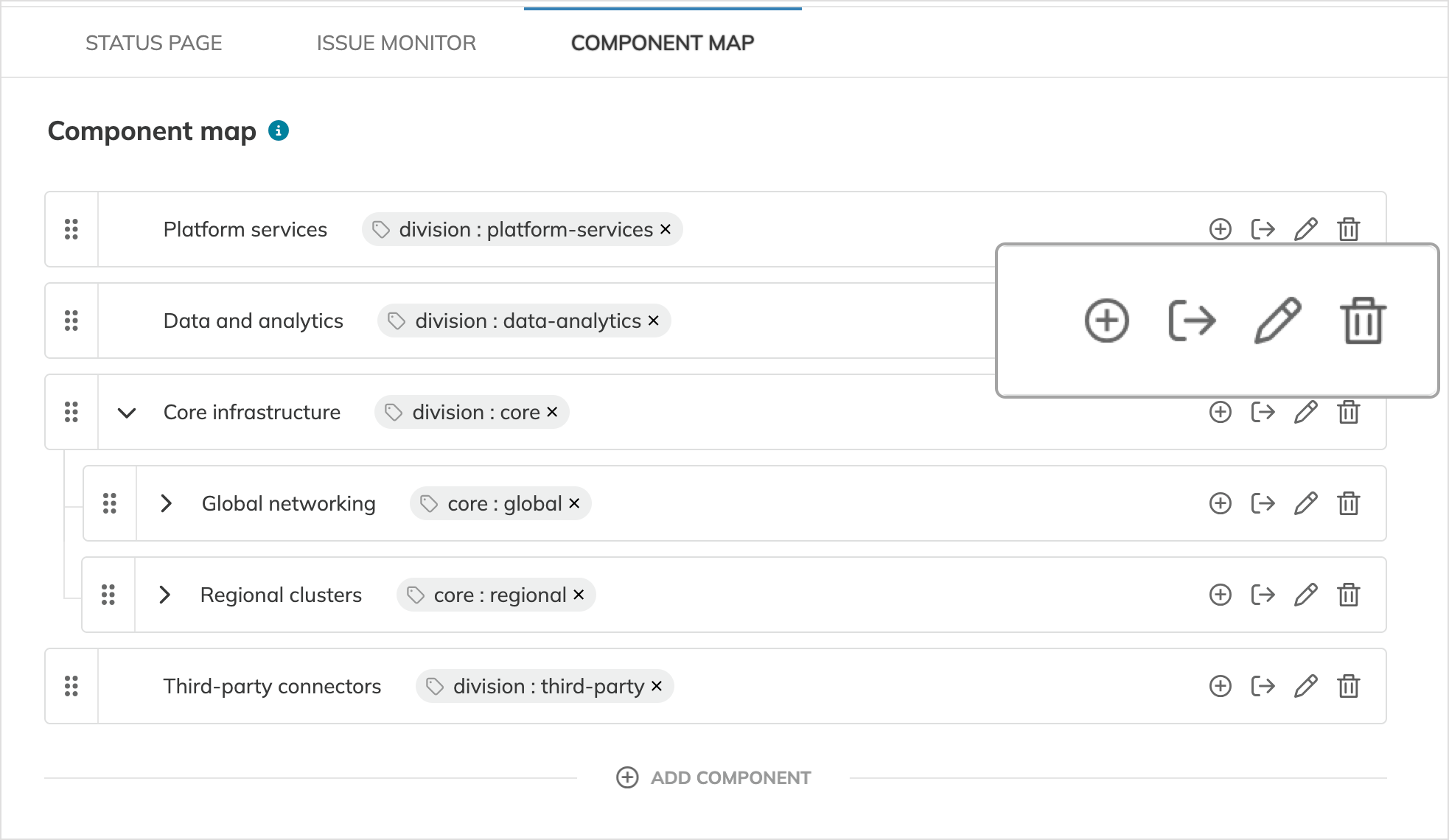
| Option | Click | Description |
|---|---|---|
| Nest component or SLO | | Add a child component or link an SLO. SLOs are terminal nodes and cannot contain nested items. |
| Move component |   | Relocate the component along with its nested subcomponents, SLOs, disruptions, and issues, if any. Moving the component with a disruption updates the statuses of the source and target parent components. |
| Edit component |   | Change the component's name, description, and labels. |
| Delete component |   | Permanently remove the component, its nested subcomponents, any associated disruptions and issues, and unlink SLOs nested under this component. |
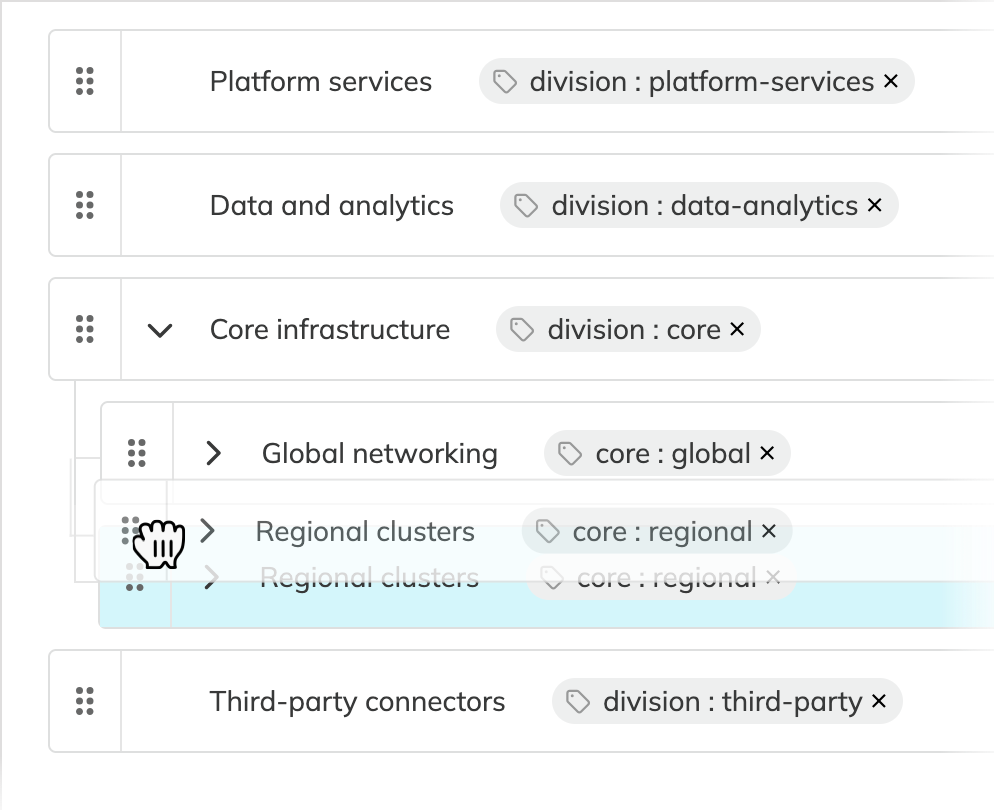
Drag and drop to reorder components. You can reorder components that share the exact same parent and hierarchy level.
Useful links
Check out these related guides and references:

