Nobl9 Alerts mobile app guide
The Nobl9 Alerts mobile application provides a dedicated, native experience for monitoring and managing your service level objective (SLO) alerts directly from your mobile device. It is designed for SREs, DevOps engineers, and on-call personnel who need to stay connected to their service's health and respond to incidents anytime, anywhere.
With the Nobl9 Alerts app, you can efficiently manage the entire lifecycle of an alert, from initial push notification to resolution, ensuring you have critical service health information at your fingertips.
Technical requirements
| OS | Minimum version |
|---|---|
| iOS | 13.0+ |
| Android | 6.0+ |
| Internet connection | Stable internet connection required for real-time alert monitoring and management |
Download the app
The Nobl9 Alerts app is available for both iOS and Android devices.
- App Store
- Google Play
Download the application on the Apple App Store

Get the application on Google Play

Logging in
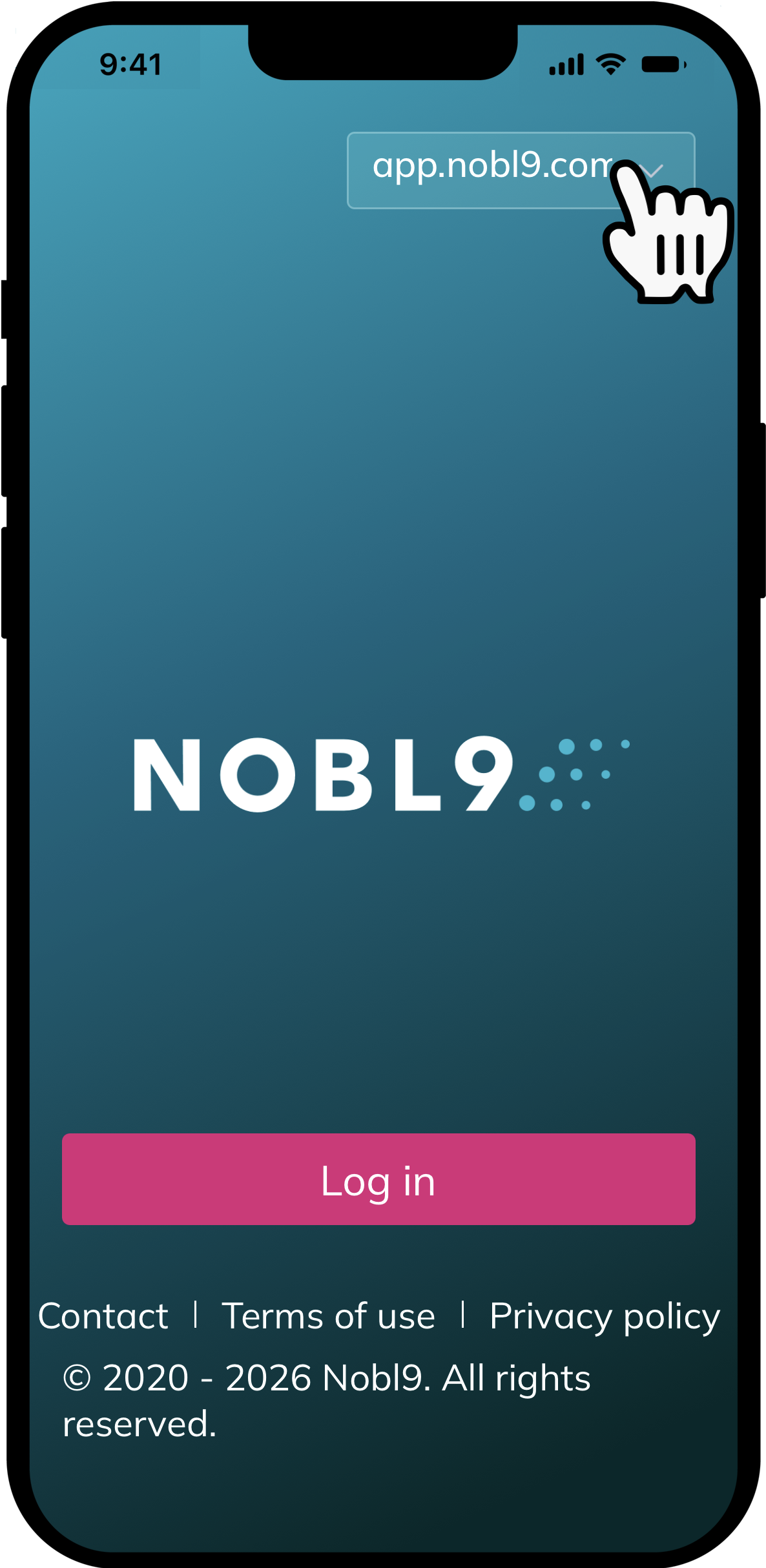
Once you have installed the app, select your Nobl9 instance and enter your Nobl9 organization credentials.
Key features
The Nobl9 Alerts mobile app provides comprehensive options for accessing and handling alerts triggered by your organization's SLOs.
-
View and filter alerts
Quickly find the alerts that require your immediate attention. You can view all triggered and resolved alerts and apply filters to narrow down the list based on status, severity, or other criteria. -
Access alert details
Get a comprehensive view of each alert. This includes the associated SLOs, a detailed description, any applied labels, and contextual charts to help you understand the impact and history of the alert. -
Silence and manage alerts
You can silence noisy alert policies directly from the app to reduce distractions during planned maintenance or a major incident response. You can also view and resume alerting for previously silenced policies. -
Share and collaborate
Copy links to specific alerts and share them with your team via Slack, email, or other messaging apps to facilitate quick collaboration and incident response.

