Nobl9 application (1.144.0)
· 3 min read
We've just released Nobl9 1.144.0! Release highlights:
new
improved
Release details
new SLO list view
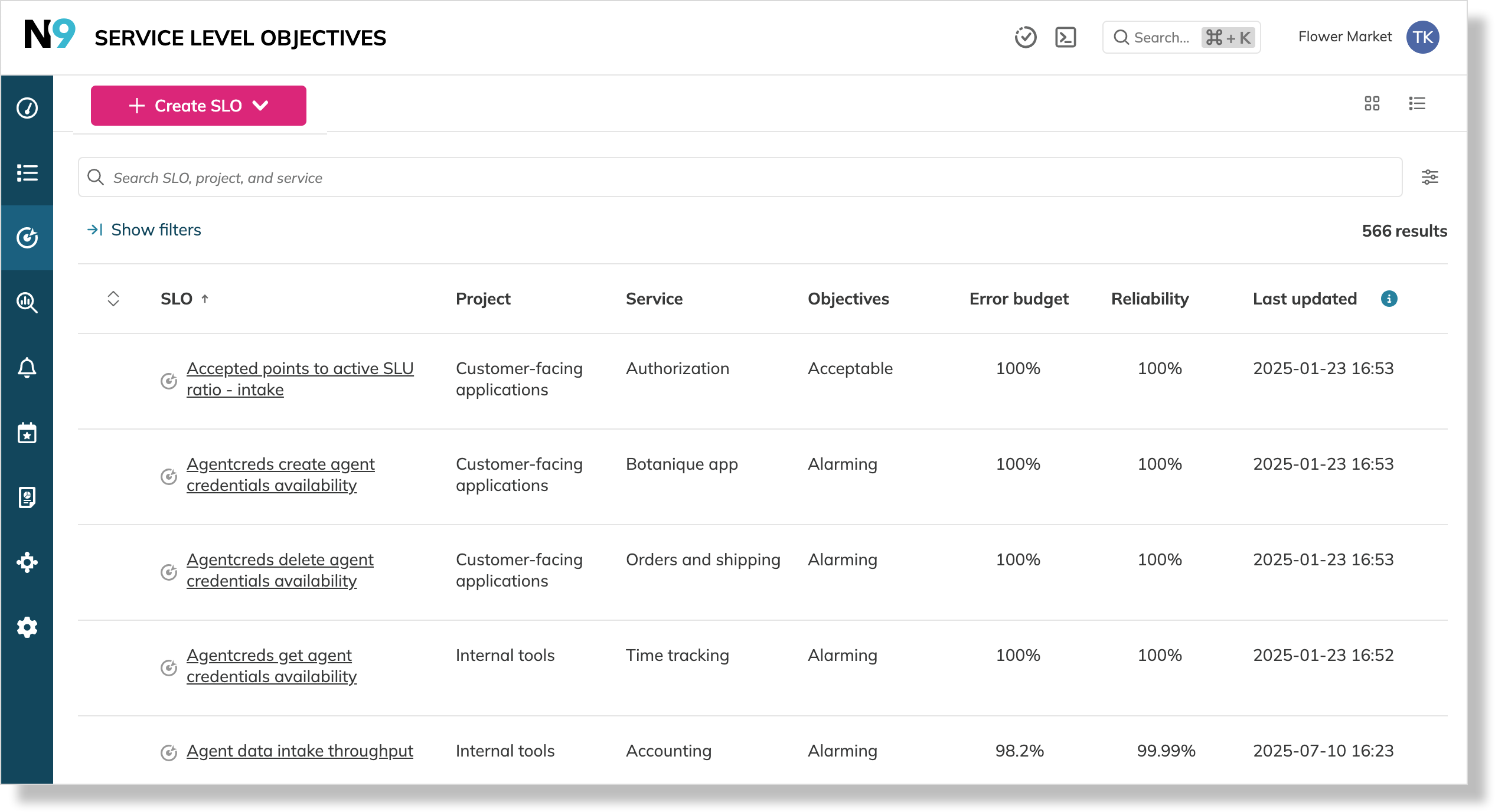
The Service Level Objectives section now includes a new list view, offering a customizable, table-based way to manage your SLOs alongside the existing grid view.
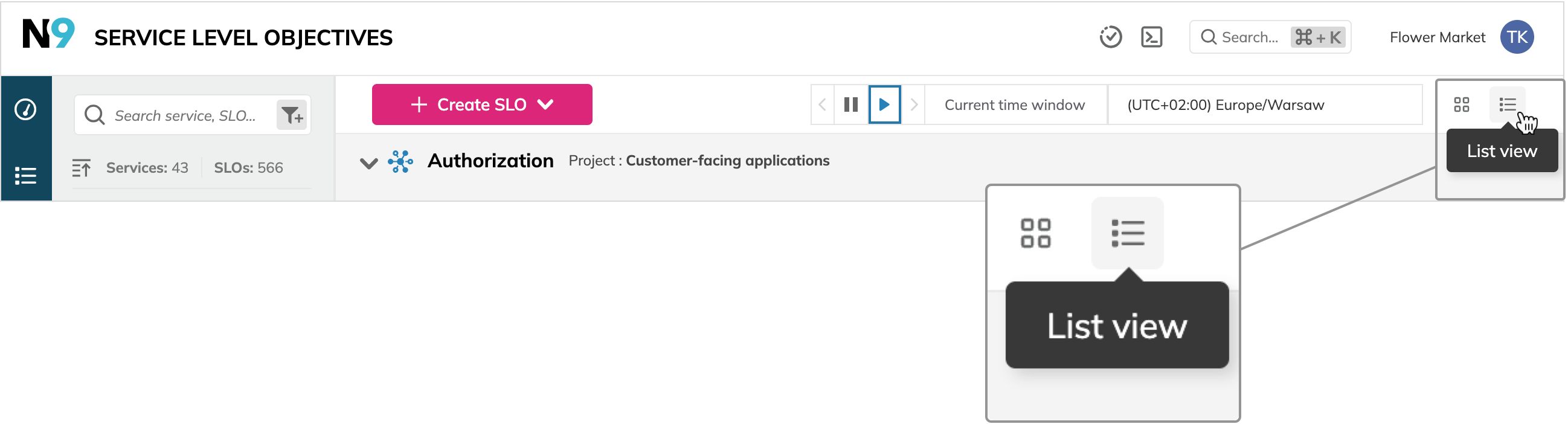
To switch views, click 
 in the top-right of the screen:
SLO list provides advanced functionality:
- A customizable table displaying SLO details, including its location metadata, objectives, and the reliability values
- The total number of filtered SLOs
- The option to customize columns
- Filter SLOs by service. For this, click ->| Show filters above the table to narrow the results
improved Shareable link to data source details
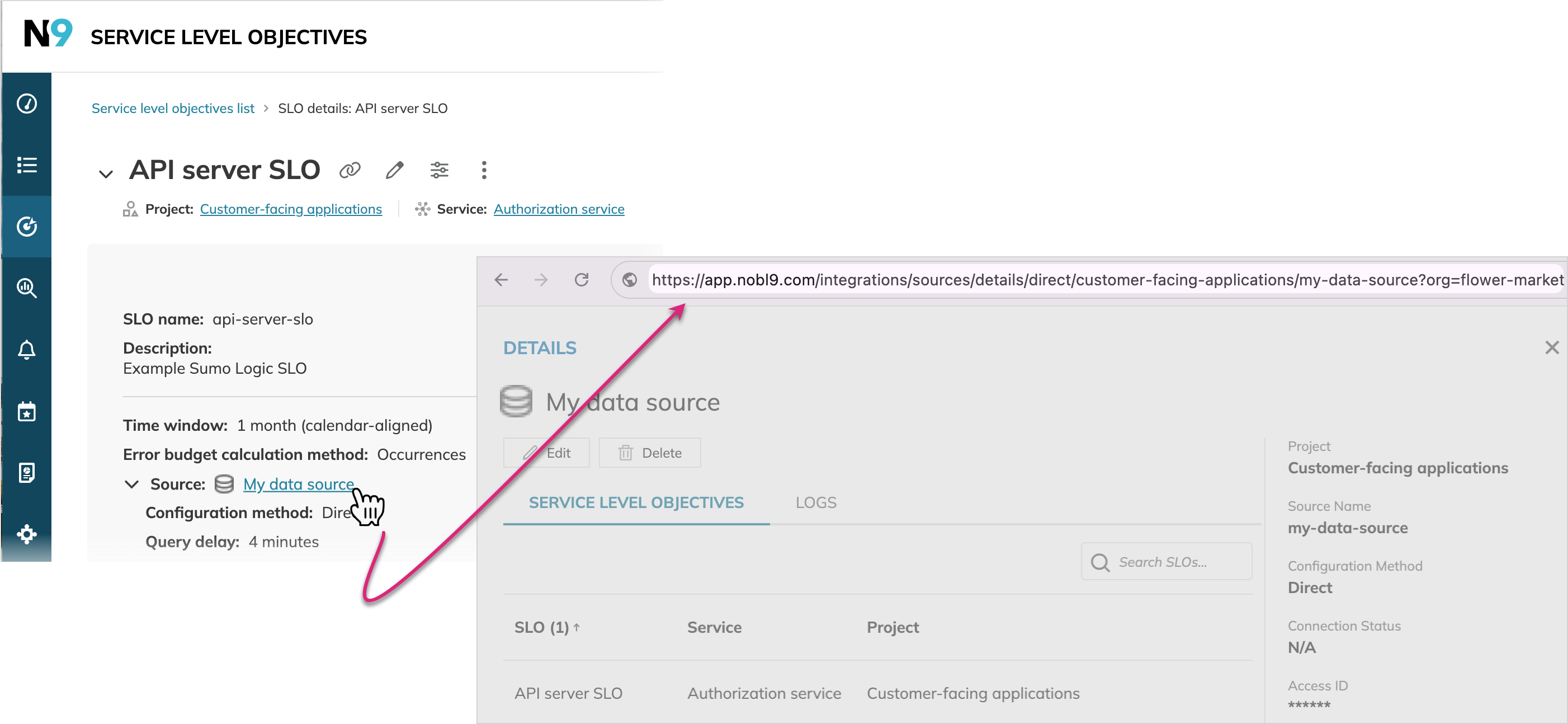
Now, clicking the data source link in your SLO's metadata block directs you to a dedicated details page for this data source. The page has a shareable link, making it easier to collaborate with your team:
improved Filter by category for GET /annotations
The Annotations API's GET /annotations endpoint now allows filtering annotations by category.
To leverage it, pass the category query parameter with one or more of the following values:
Adjustment—returns system annotations related to budget adjustmentsAlert—returns system annotations generated for triggered alertsNoDataAnomaly—returns system annotations for no-data anomaliesUser—returns user-created annotations
Documentation updates
SLOs section in Nobl9 resources
Search and filter SLOs in SLO guides
GET /annotations endpoint referenceThe
sloctl use guide is updated to document the new sloctl get budgetadjustments functionality, available in sloctl version 0.15.0